Guide · Start here
First day lessons
One short video for each step of the tutorial, with the narrator's words.
-
Your first day
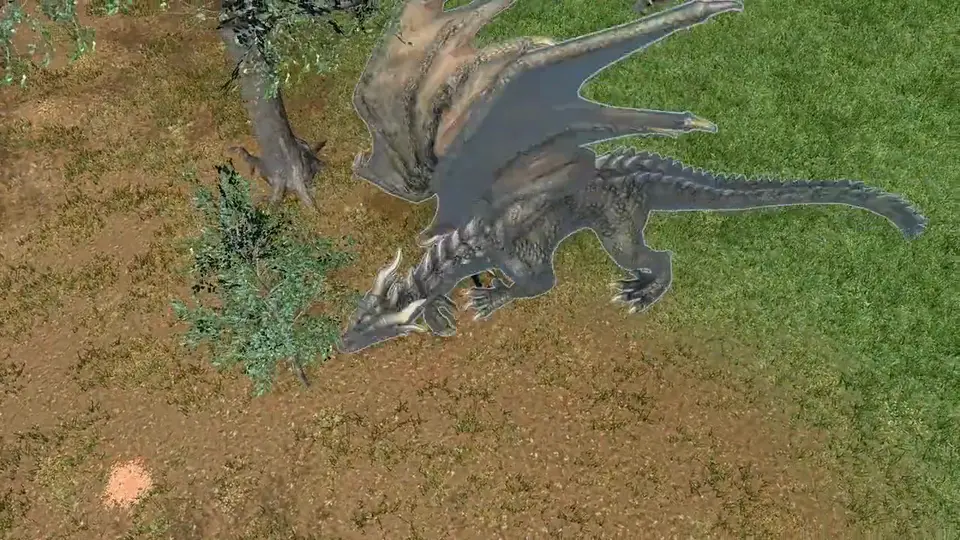
Welcome to your first day. This short tutorial covers the basics: getting around, your gear, fighting, and staying alive. Follow along in the game as we go.
-
Look around
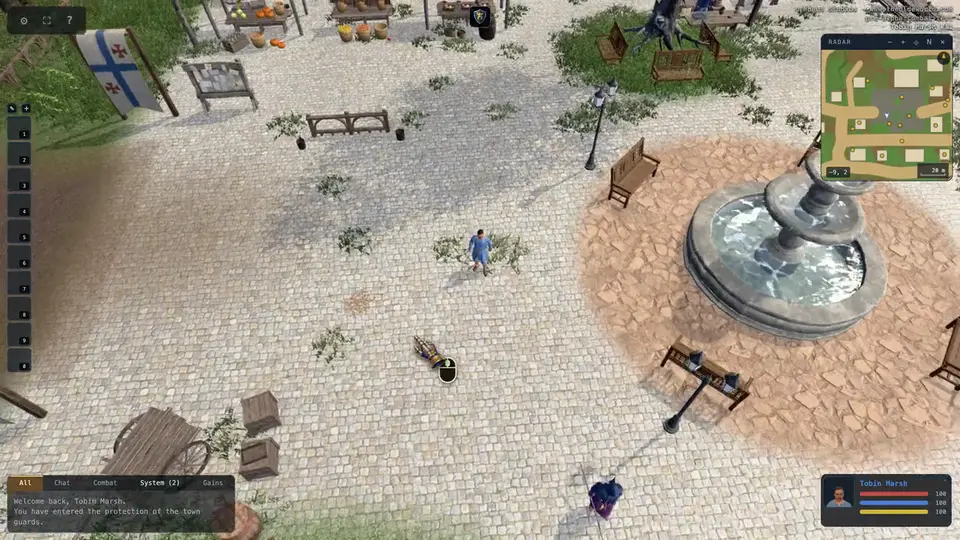
First, the camera. Hold the middle mouse button and drag to turn it. Scroll the wheel to zoom in and out.
- Middle mouse
- hold and drag to turn the camera
- Mouse wheel
- zoom in and out
-
Walk and run
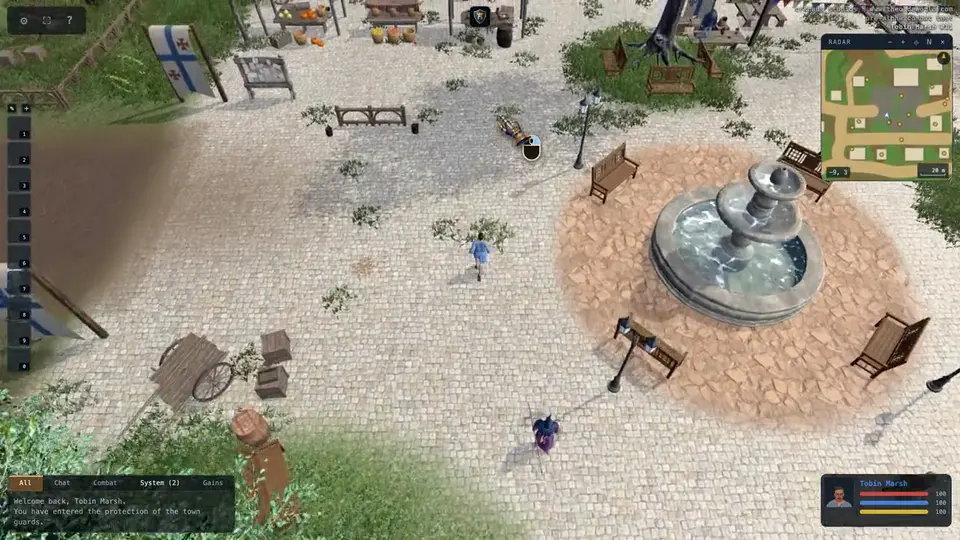
To move, hold the right mouse button. You'll run toward the cursor for as long as you hold it. W, A, S and D work too. Hold Shift to sprint, or Ctrl to walk.
- Right mouse
- hold to run toward the cursor
- W
- forward
- A
- left
- S
- back
- D
- right
- Shift
- sprint
- Ctrl
- walk
-
Your backpack
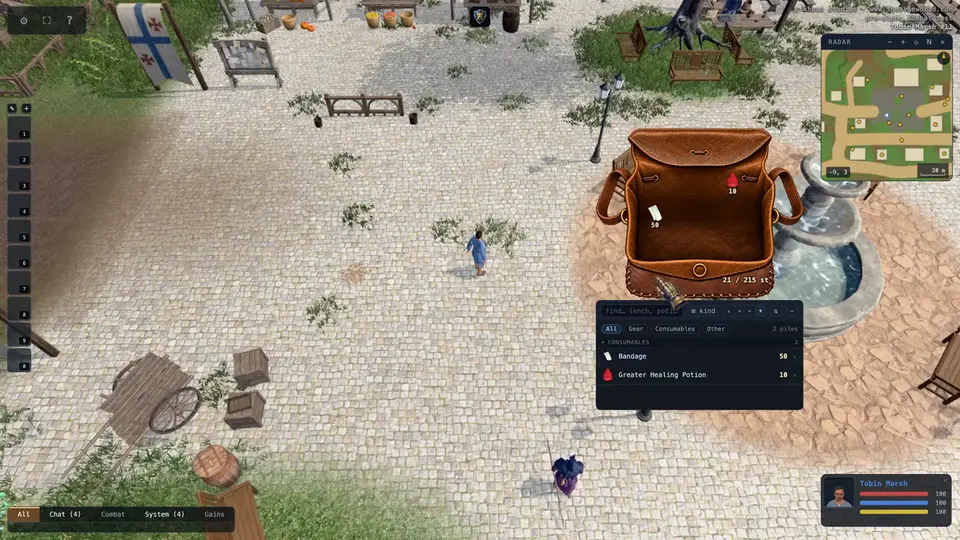
Press I to open your backpack. Everything you carry goes in here.
- I
- backpack
-
Your paperdoll
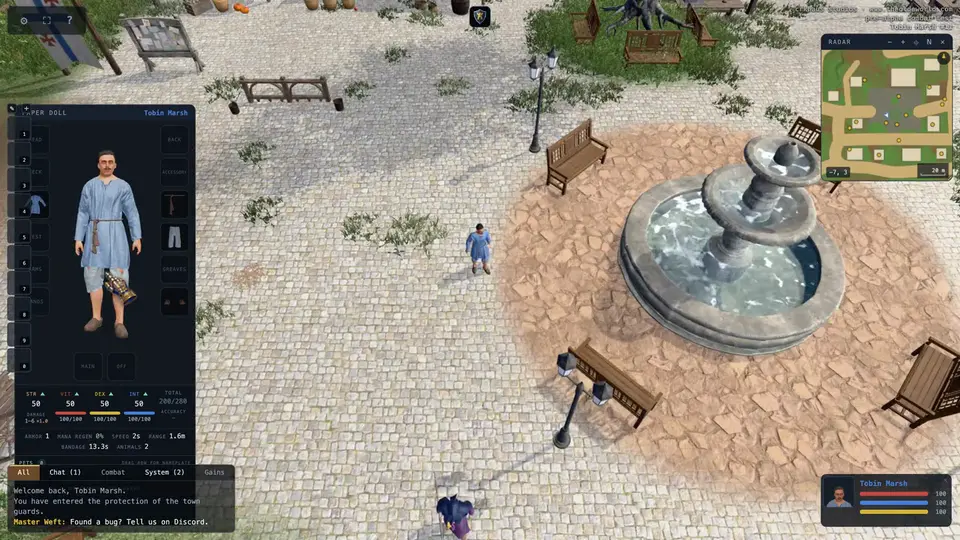
Press P to open your paperdoll. It shows what you're wearing, and your strength, vitality, dexterity and intelligence.
- P
- paperdoll
-
Your bank box
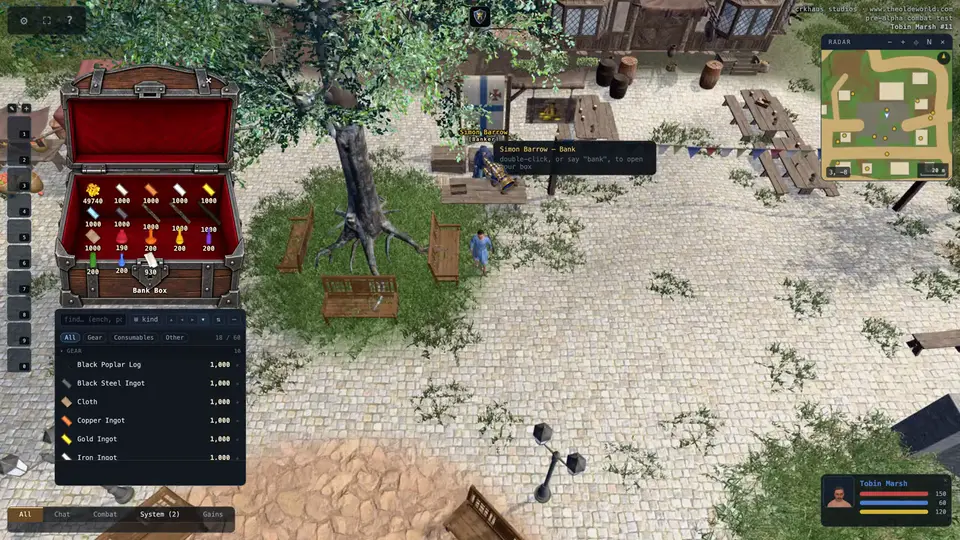
Your bank box holds your starting gold, potions and bandages. Follow the marker to the banker, and double-click him to open it.
- Double-click
- the banker
-
Take some supplies
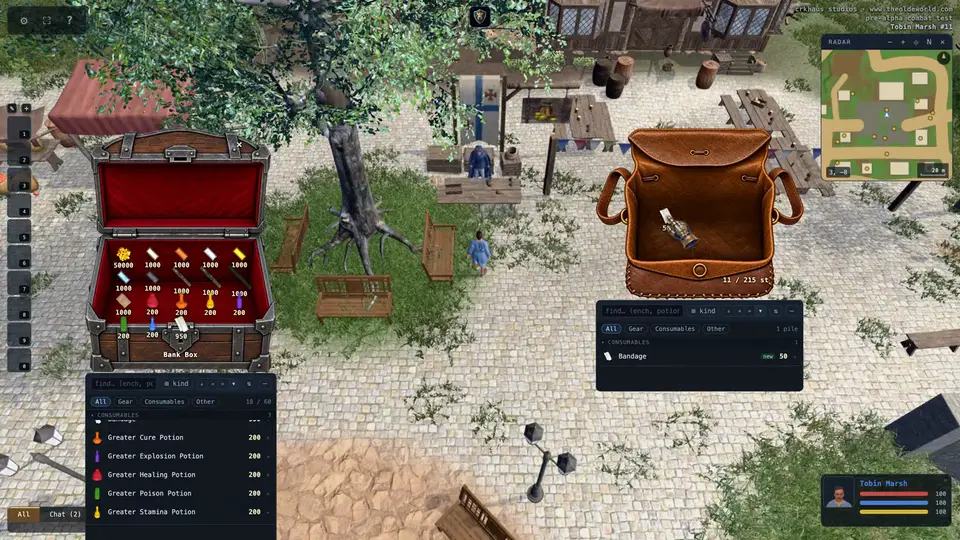
Hold Shift and drag the bandages out of the box. Type how many you want, press Enter, and click inside your backpack. Take some healing potions the same way. Leave the gold where it is. Shops in town take payment straight from your bank.
- Shift + drag
- take part of a pile
- Enter
- take that many
-
Pick a class
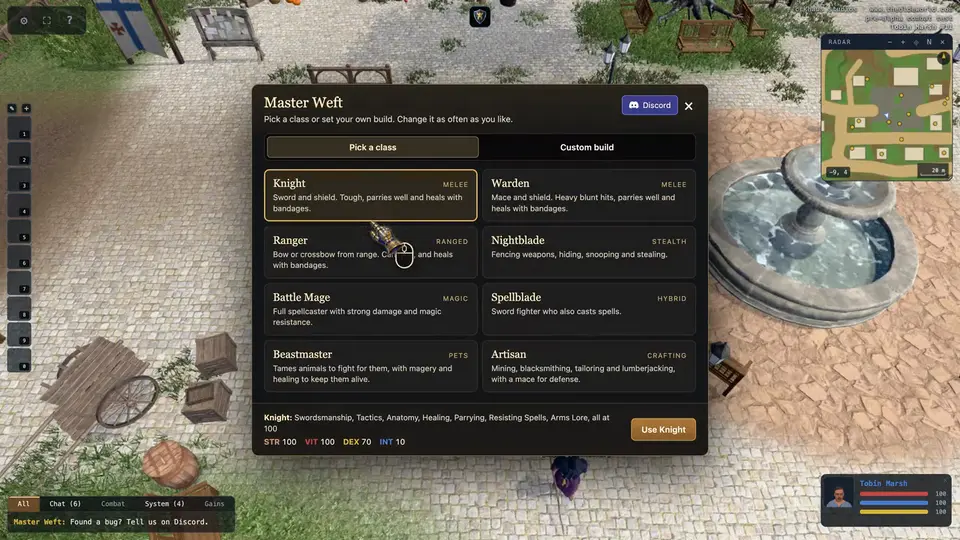
During the alpha, Master Weft sets your skills for you. Follow the marker to him, double-click him, and pick a class. Knight is a good place to start.
- Double-click
- Master Weft
-
Learn techniques
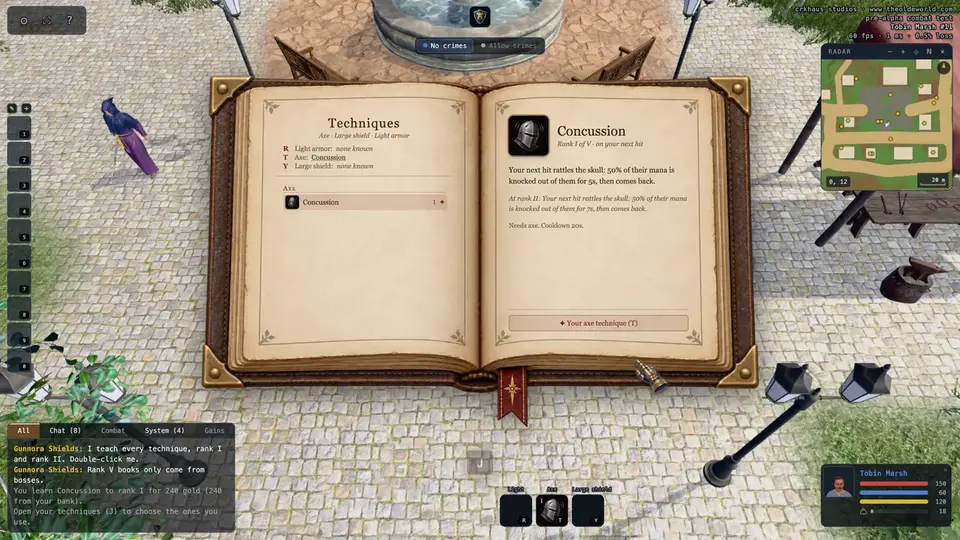
Techniques are special moves for your weapon and armor. The Arms Master, beside Master Weft, teaches the first two ranks of every one; higher ranks come from books. Double-click the Arms Master and learn the ones you want. J opens your technique book. In a fight, press T for your weapon's technique, or R for your armor's.
- Double-click
- the Arms Master
- T
- weapon technique
- R
- armor technique
- Y
- shield technique
- J
- technique book
-
Buy a weapon
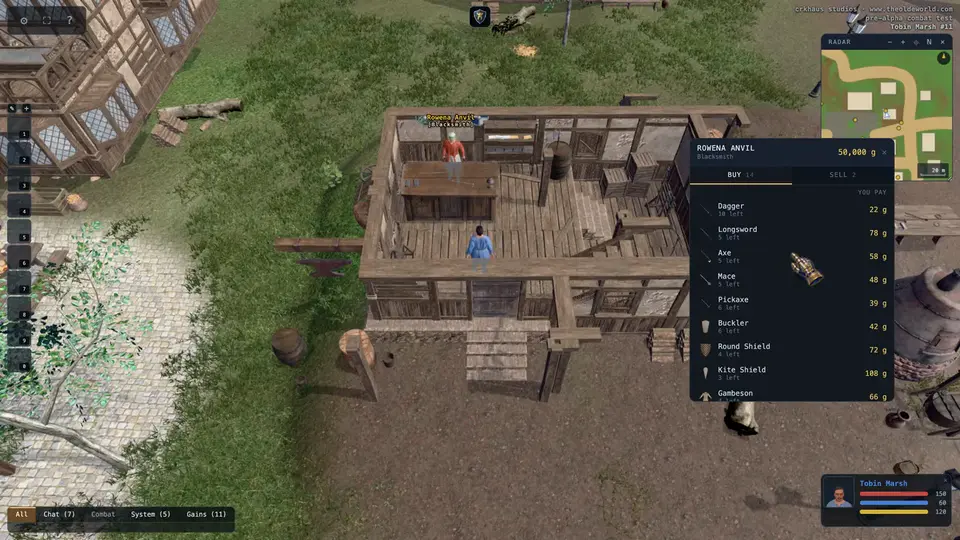
Now for a weapon. Follow the marker to the blacksmith and double-click him. Click what you want, then click Buy. A Knight wants an axe and a shield.
- Double-click
- the blacksmith
- Click
- a row, then Buy
-
Arm yourself
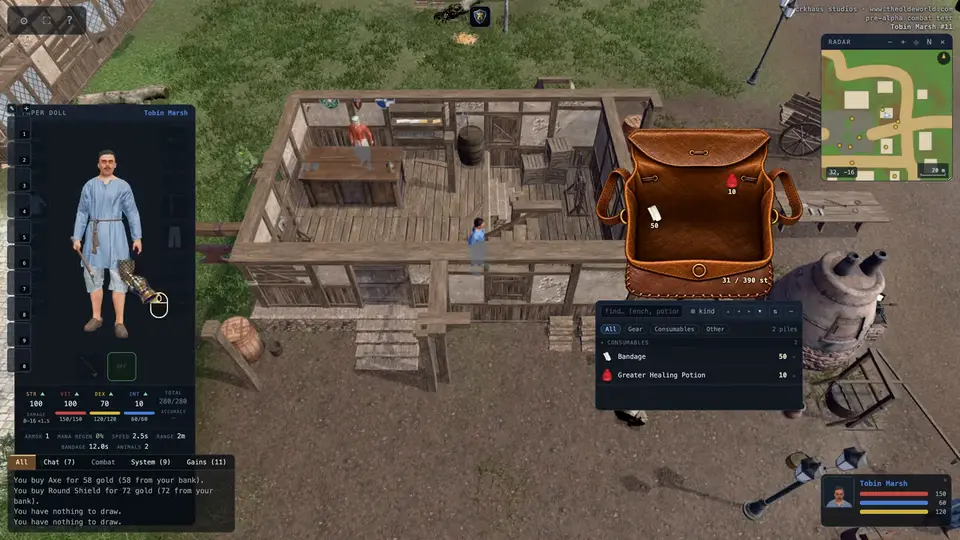
Open your paperdoll, and drag your new gear from your backpack onto it. Press X any time to draw your weapon or put it away.
- P
- paperdoll
- X
- draw or put away your weapon
-
Get a horse
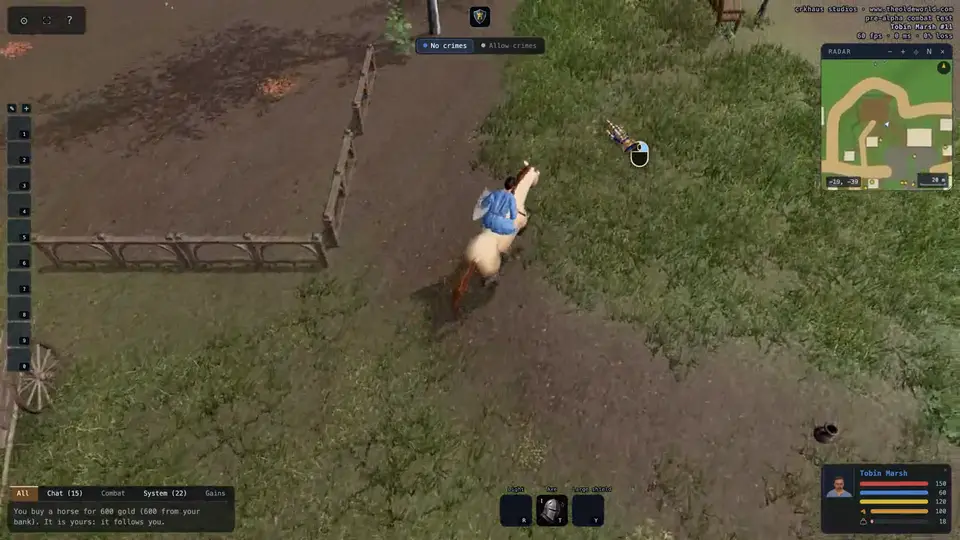
A horse runs more than twice as fast as you do. Follow the marker to the stable, double-click the stablemaster, and buy a horse. It comes out tame and follows you. Double-click it to climb into the saddle, and double-click it again to get down.
- Double-click
- the stablemaster
- Double-click
- your horse, to ride or get down
-
War and peace
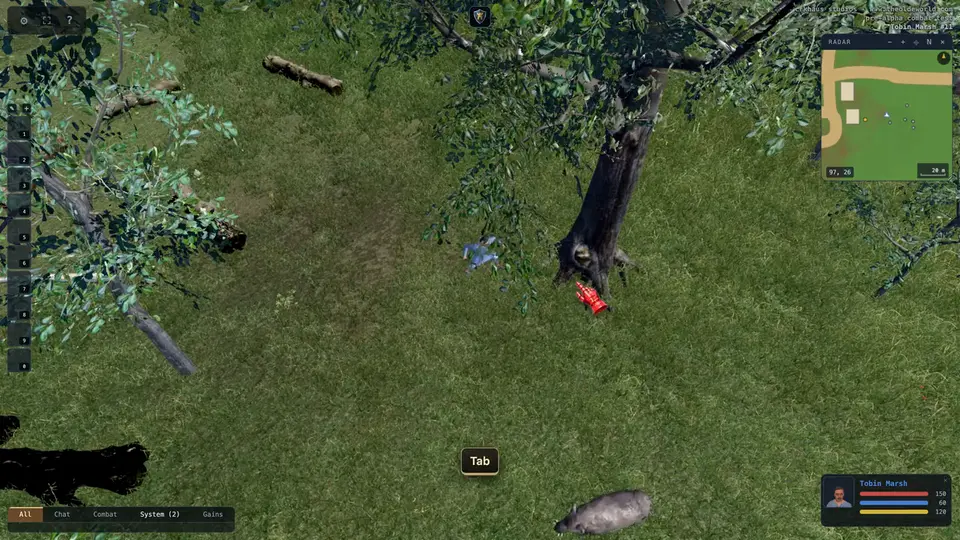
Press Tab to go to war. Your gauntlet turns red, and now a double-click attacks. Press Tab again to go back to peace.
- Tab
- war or peace
-
Your first hunt
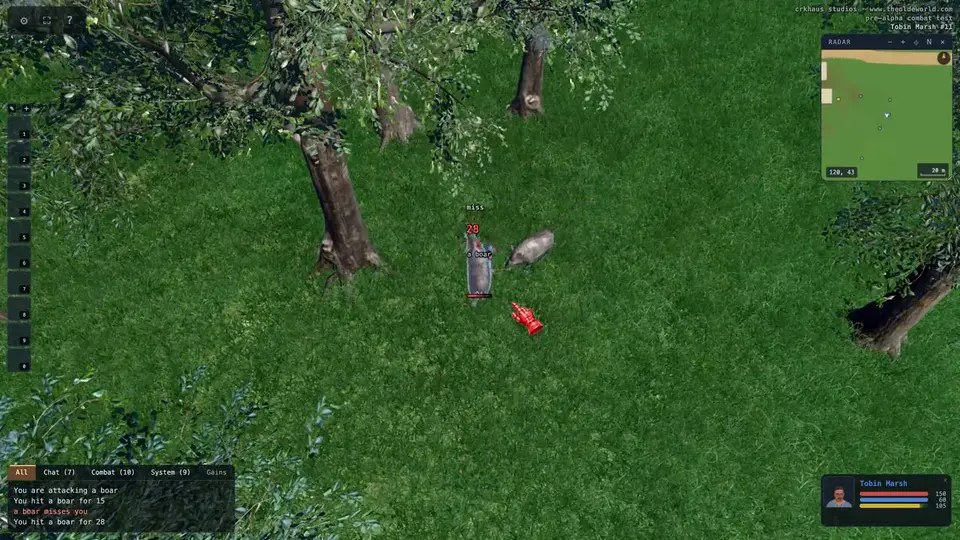
Boars roam the fields outside town, and they leave you alone until you strike. Follow the marker, find one, and double-click it to attack. You'll keep swinging on your own while it's in reach. A wounded boar will run, so hold the right mouse button and chase it down.
- Double-click
- attack (in war)
- Right mouse
- chase
-
Loot the body
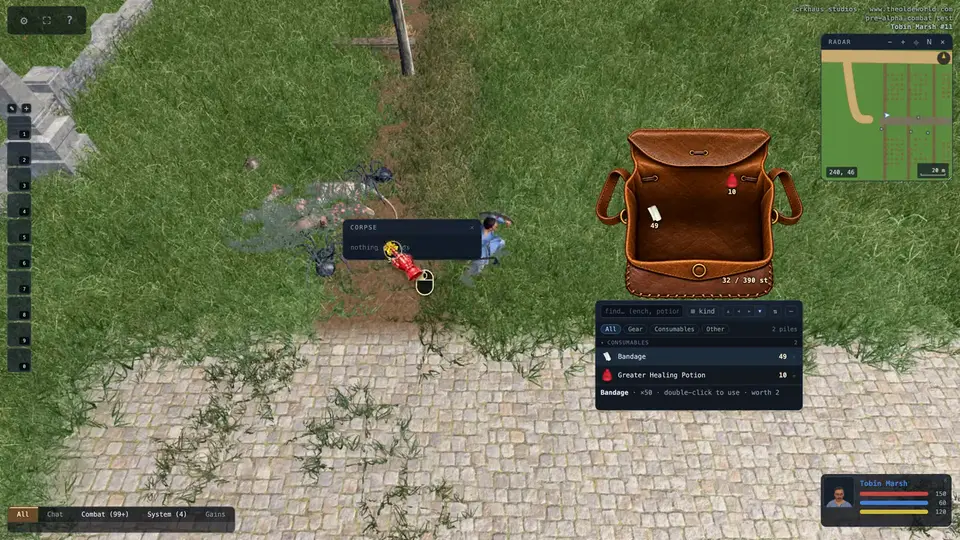
Everything that dies leaves a body. Click it to open it, and drag out what you want. Or stand right beside it and Ctrl-click the body to take everything at once.
- Click
- open a body
- Ctrl-click
- take everything
-
Heal up
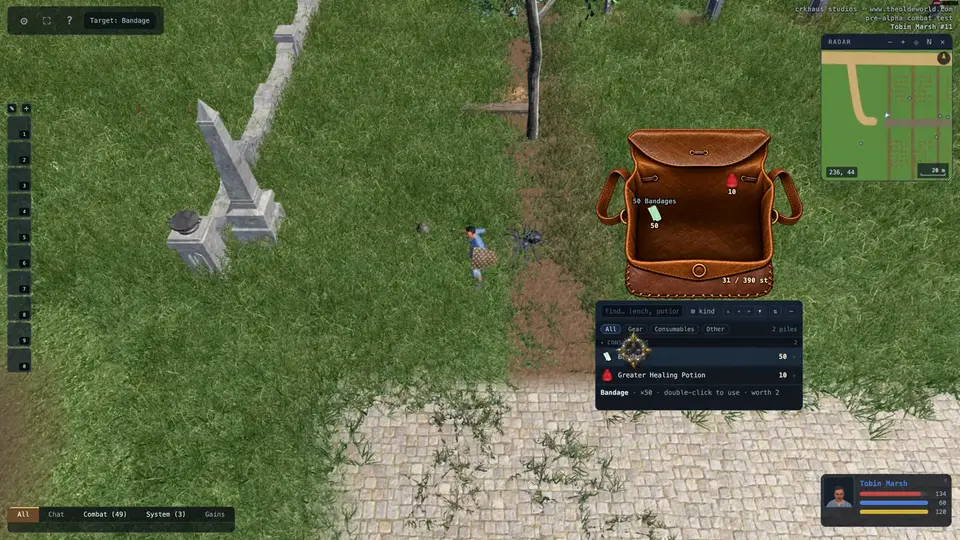
Hurt? Double-click a bandage, then press E to use it on yourself. For a healing potion, just double-click it to drink.
- Double-click
- a bandage or potion
- E
- target yourself
-
Cast a spell
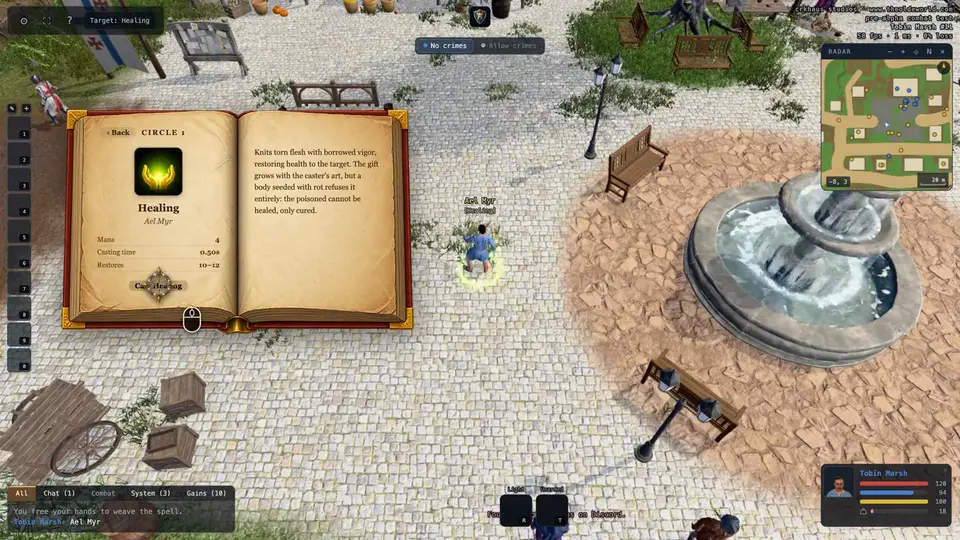
During the alpha, spells need no reagents, only mana, and your spellbook already holds every spell. Press B to open it. Click a spell, then Cast, or drag it to your hotbar. When the words are spoken, click who the spell is for, or press E for yourself. Magery decides how often spells work.
- B
- spellbook
- E
- target yourself
- X
- draw your weapon again after casting
-
Self and last target
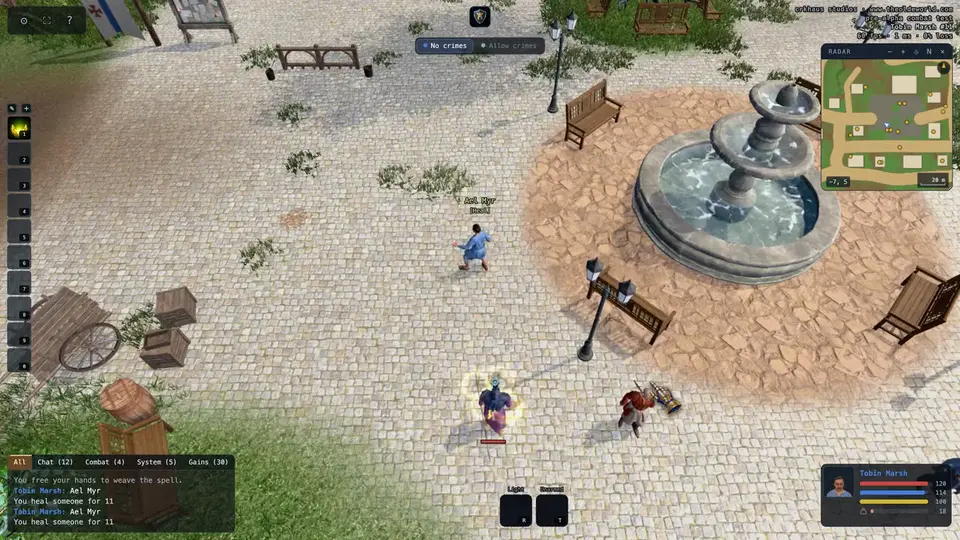
When a spell or a bandage asks for a target, a key can answer it instead of a click. Press Q to aim at your last target, whoever you aimed at last: heal a friend once, and Q heals them again. Press E to aim at yourself. A small blue crosshair floats over your last target.
- Q
- aim at your last target
- E
- aim at yourself
-
Pick a target
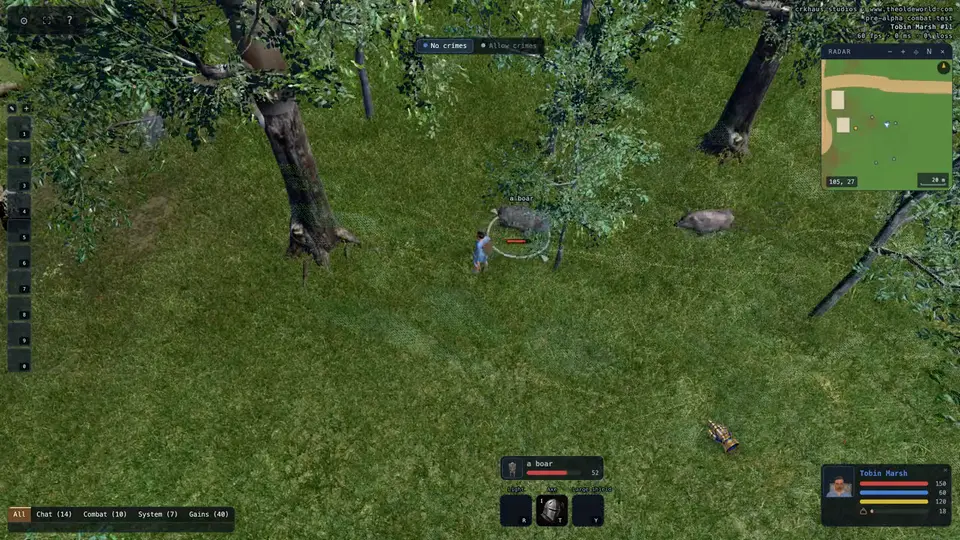
You can also pick a target with the keyboard. Press backslash for the nearest creature. The right bracket steps out to the next one, and the left bracket steps back. Hold Ctrl, or Command on a Mac, to pick players instead. Your target gets a ring at its feet, and its face and health show above your technique tiles. Press the apostrophe key to attack it, or semicolon to aim a spell at it. Backspace lets it go.
- \
- nearest creature
- ]
- next
- [
- previous
- Ctrl + \
- nearest player
- '
- attack your target
- ;
- aim a spell at your target
- Backspace
- clear your target
-
If you die
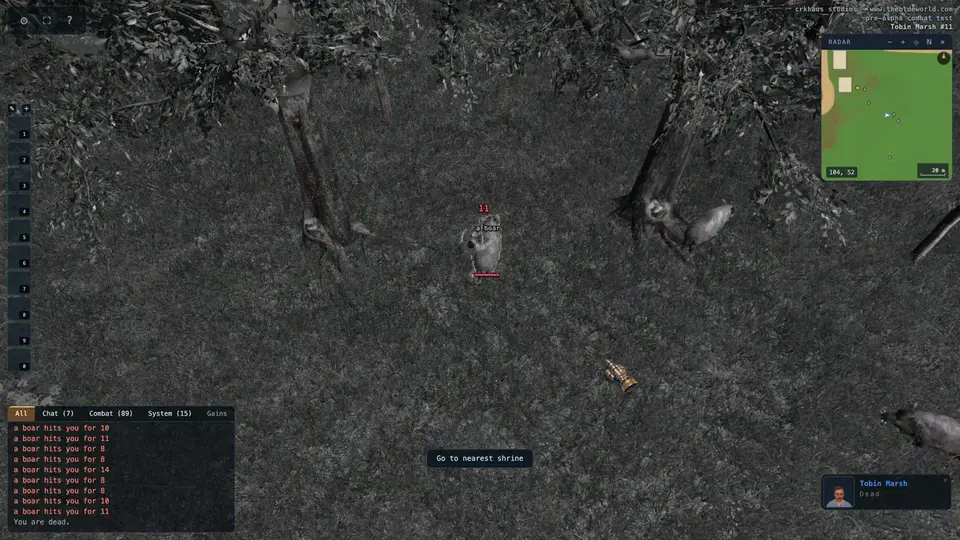
If you die, you'll rise as a ghost, and everything you carried stays on your body for anyone to take. Press Go to nearest shrine, then Resurrect, and hurry back to your body for your things.
-
Who is who
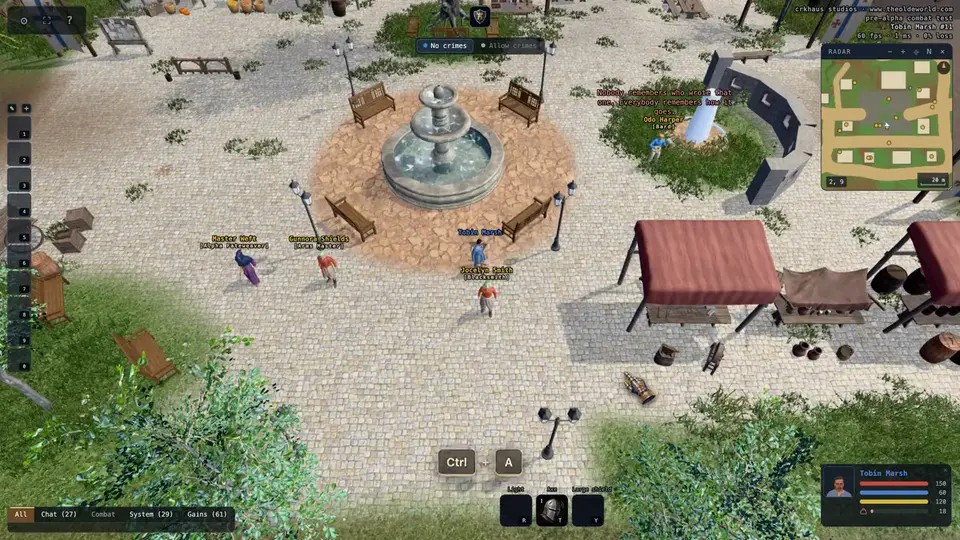
A name's color tells you who's who. Blue is innocent, and attacking them is a crime. Grey is a criminal, red is a murderer, and gold can't be harmed. Press Ctrl and A to see every name around you. To keep an eye on a crowd, hold Ctrl and drag a box around them. Their nameplates stack beside it.
- Ctrl + A
- every name in view
- Ctrl
- hold, and drag a box with the left button
-
Say hello
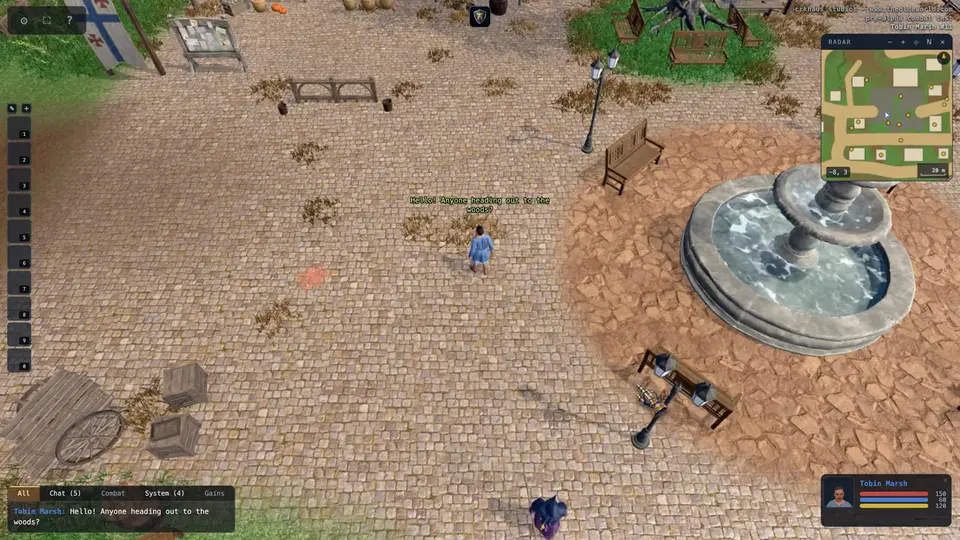
Press Enter to talk. Type your message, and press Enter again. Everyone nearby sees it above your head.
- Enter
- talk
-
That is the basics
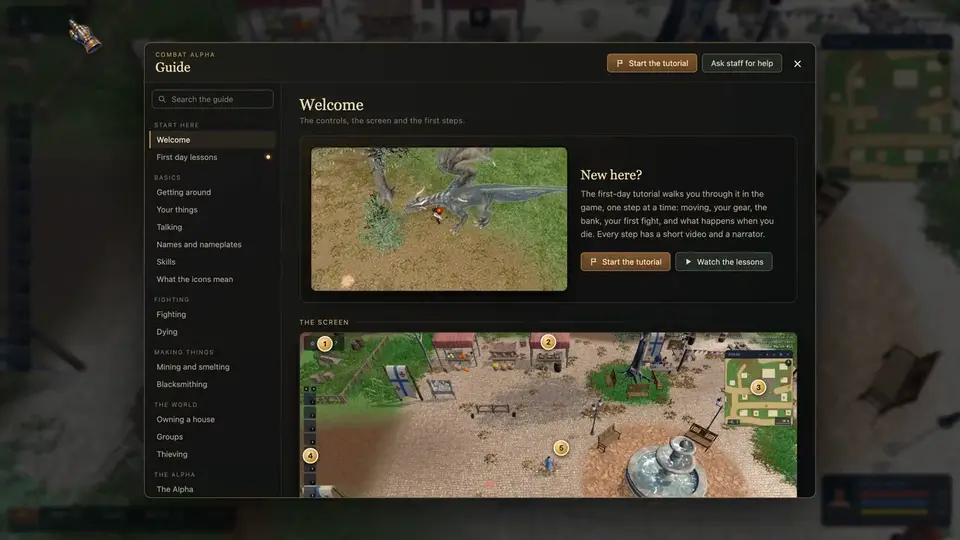
That's your first day. The question mark at the top left opens the full guide whenever you need it. Good luck out there.