Guide · Basics
Your things
Your backpack, your paperdoll, the bank and the shops
- I
- backpack
- P
- paperdoll (what you are wearing)
- X
- draw or put away your weapon
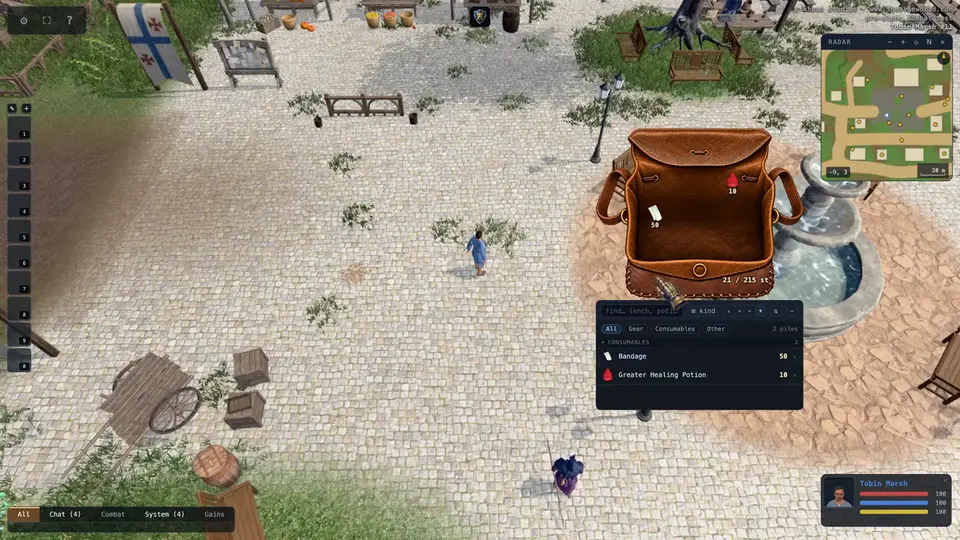
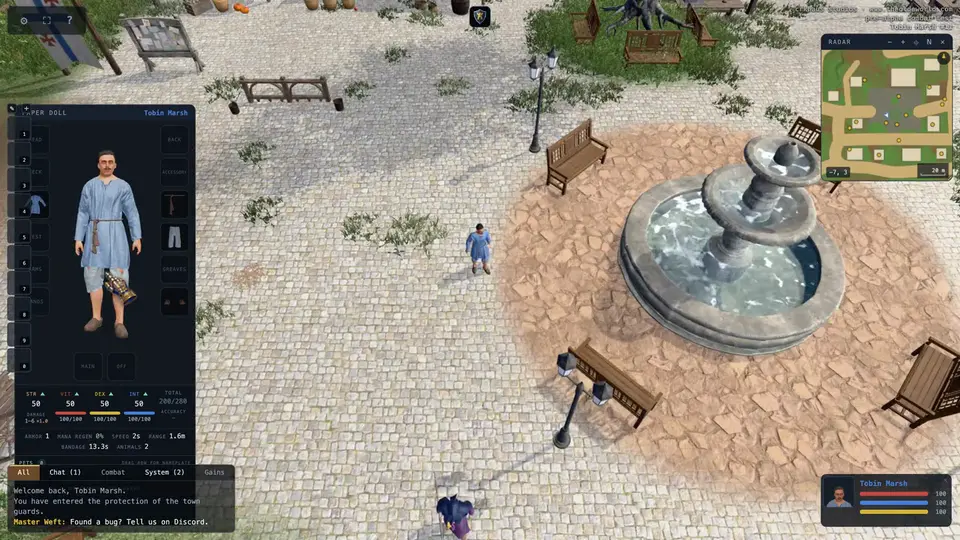
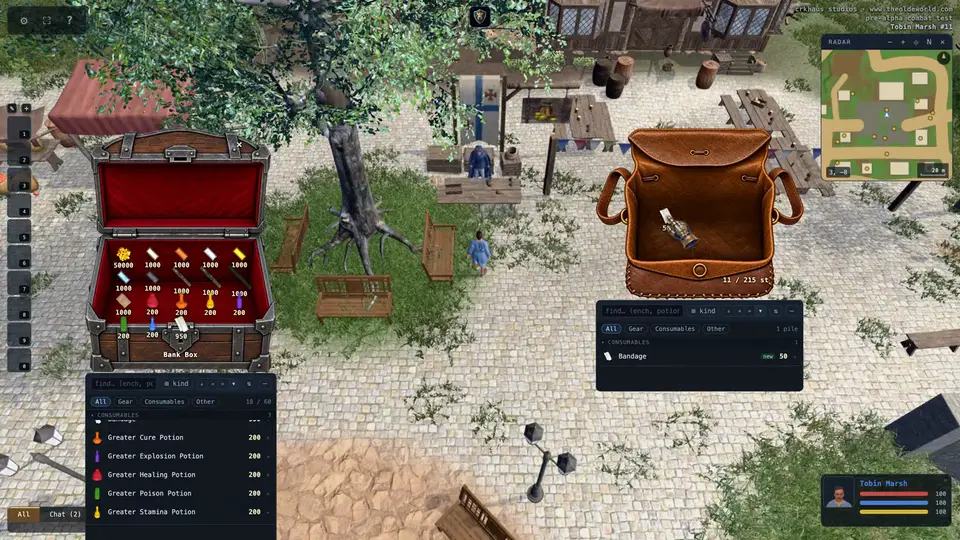
Drag things around your bag, drag them onto your paperdoll to wear them, and double-click a potion, bandage or food to use it. Drag anything out of the bag and drop it on the ground to drop it.
The bank and shops
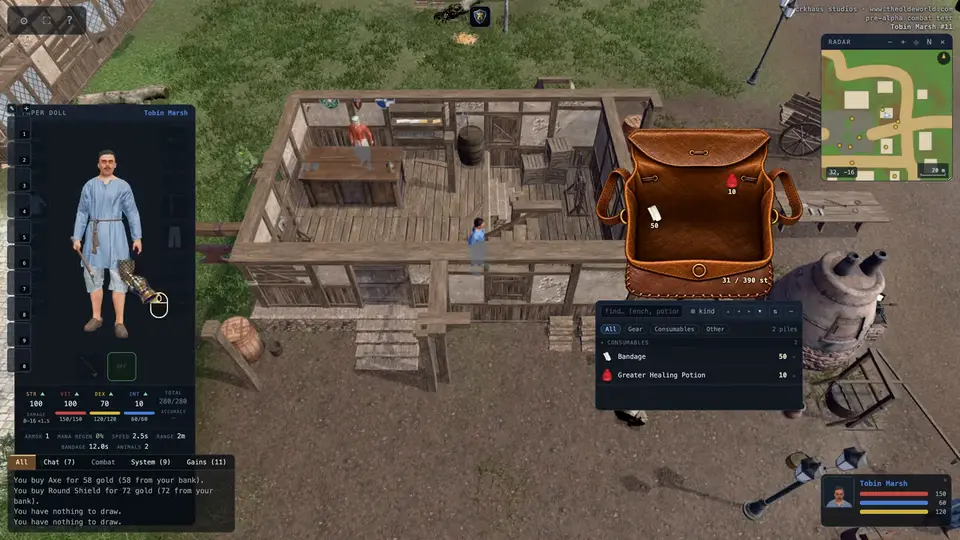
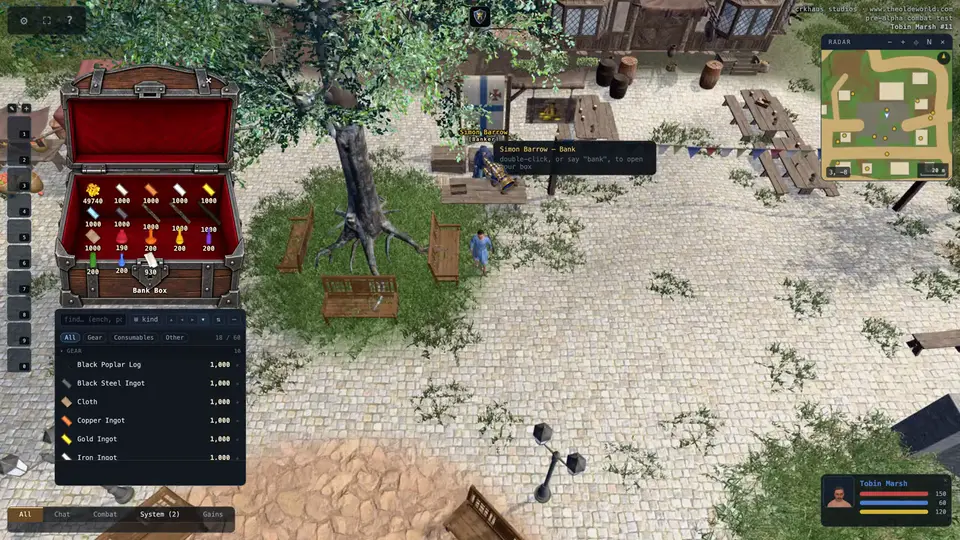
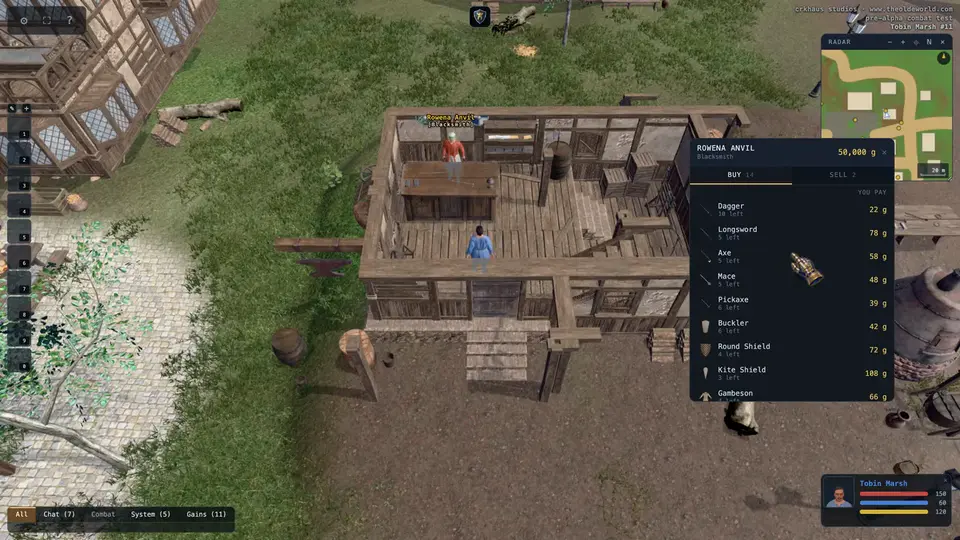
Stand beside a banker and say "bank", or double-click them, to open your bank box. Double-click a shopkeeper to buy and sell. Shops in town take payment straight from your bank when your pack runs short.
Tailors sell cloth, bolts of cloth, scissors, sewing kits, reusable dyes and dye tubs. Double-click dyes and target a tub to choose its color. Then double-click that tub and target cloth, clothing or pouches in your pack or on your paper doll. The color stays with the item when worn, traded or dropped. Scissors and sewing kits are supplies for now; cutting and tailoring actions are not yet available.
Bodies and loot
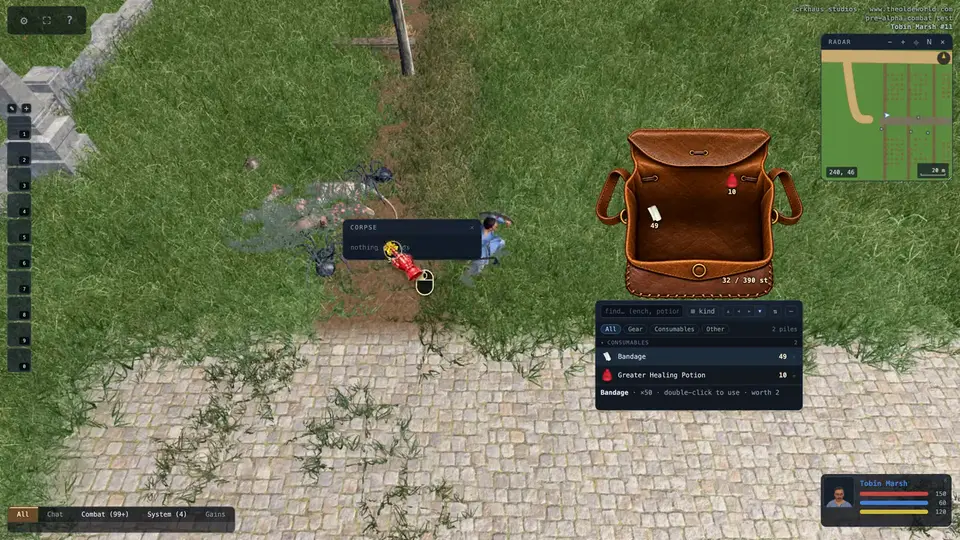
Click a corpse to open it and take what it holds. Anyone can, including from yours: when you die, everything you carried stays on your body, and the body rots in ten minutes.
Ctrl-click a corpse to loot all of it: each thing comes into your pack in turn while you stay close, and a bar under the body fills as it empties. Ctrl-click it again to stop. A body with something left on it is outlined gold under the cursor; one picked clean is drawn darker.
Hotbar and buttons
Drag a spell from the spellbook, a skill from the skills list, or a potion from your bag onto a hotbar slot. Drop it anywhere else and it becomes a floating button. Right-click a slot or a button to clear it.
- B
- spellbook
- K
- skills
- M
- radar map
Scroll on the radar to zoom; it zooms out to the whole land, and far out it shows the names of places instead of the people around you. Drag it to look around, double-click to come back to you.