Guide · Basics
Getting around
Walking, running and the camera
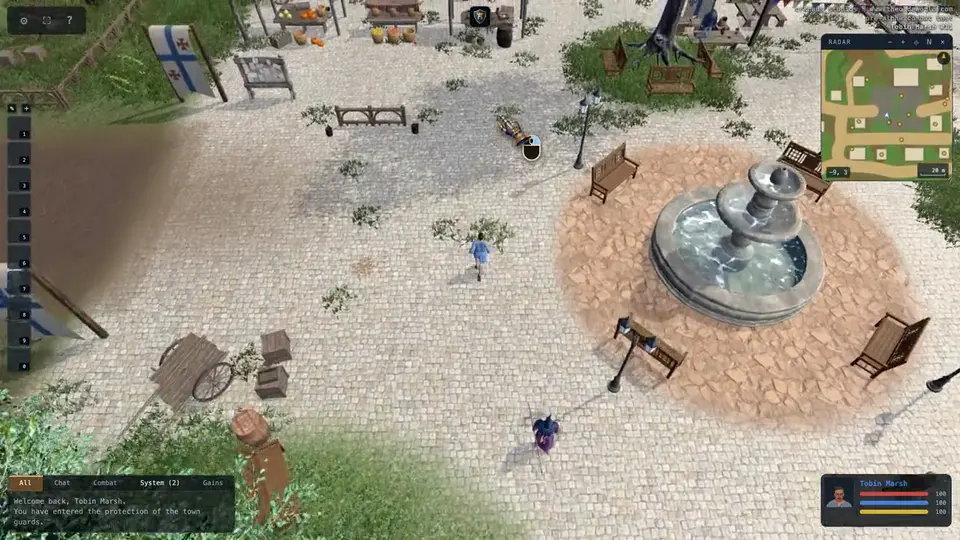
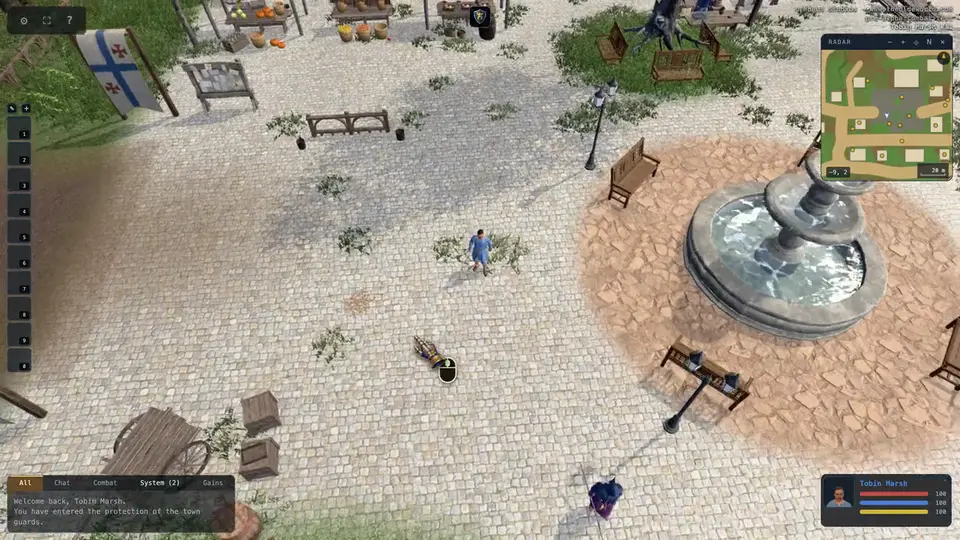
Hold the right mouse button and you walk toward the cursor. Keep it held to keep walking. The keys below walk relative to where the camera looks.
- Right mouse
- hold: walk toward the cursor
- W
- walk forward
- S
- walk back
- A
- strafe left
- D
- strafe right
- Middle mouse
- hold and drag to turn the camera
- Shift
- sprint (spends stamina)
- Ctrl
- walk slowly
- Ctrl-click
- follow someone
Hold the right mouse button and you run toward the cursor.
Drag with the middle button to swing the camera round you.
W A S D walk relative to the camera: W is away from you.
Ctrl-click (Cmd-click on a Mac) a creature or a person and you follow them by yourself, round whatever is in the way, running while they are ahead and standing a pace off when you catch up. It stops when you move, attack, cast, press Esc or ctrl-click them again, and on its own when they get too far ahead, drop out of sight, fall, or cannot be reached.
Double-click a door to open it. Double-click your own mount to ride it. Every key can be changed under Controls in the gear menu, and under Macros one key can run a whole list of steps: bandage yourself, cast a spell and aim it, say a line.
Horses
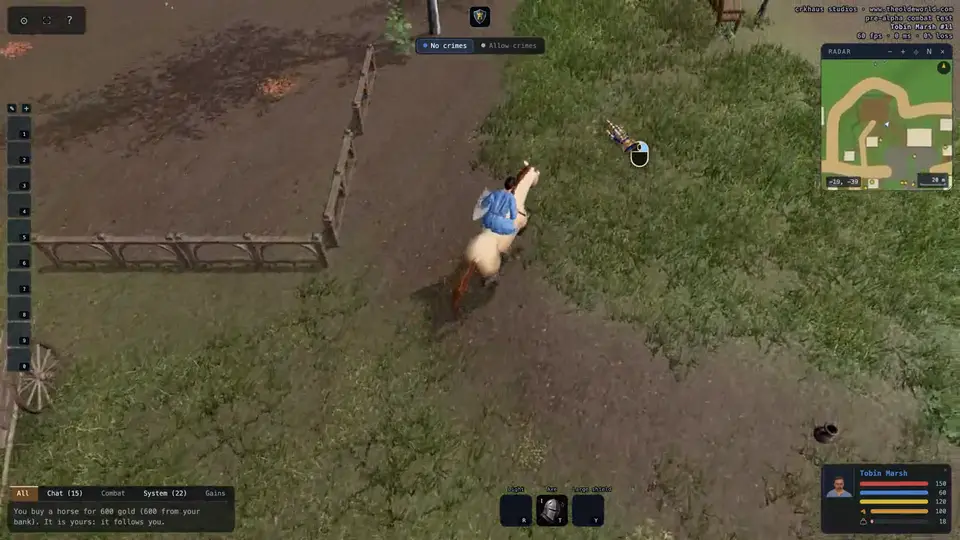
The stablemaster outside the stable in Bramblewick sells horses, and saddles, bridles and saddlebags for them. A horse you buy comes out tame and follows you. Double-click it to ride, and again to get down. Ridden, it runs more than twice as fast as you do, but any blow can knock you off; a saddle makes that much less likely. Say "stable" beside the stablemaster to leave a pet in a stall, and "claim" to get it back.